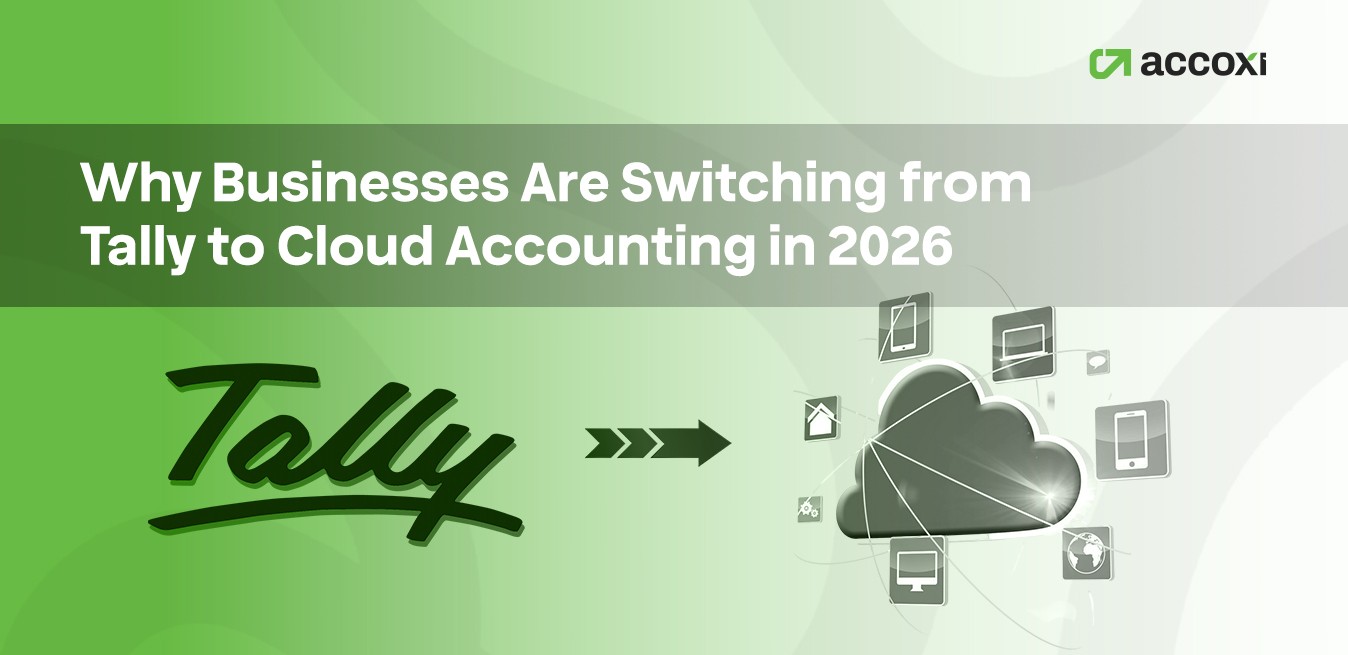
Let's be honest, if you've been in Indian business long enough, Tally is basically muscle memory. The software has been the backbone of SMB accounting since the late 1980s, and for millions of accountants and business owners, it's simply what accounting looks like.
But something has shifted. In the last 18 months, I've spoken with dozens of business owners, from textile traders in Surat to IT service firms in Bengaluru, and an unmistakable pattern has emerged: they're leaving Tally. Not in a panic, not because someone told them to, but because the way they run their businesses has fundamentally changed, and Tally hasn't quite kept up.
This isn't a hit piece on Tally. It's a genuine, honest look at why this migration is happening in 2026, what's driving it, and what you should think about if you're considering the switch yourself.
First, Let's Be Fair to Tally
Tally ERP 9 and TallyPrime are genuinely powerful. They handle GST, payroll, inventory, and multi-company books with a level of depth that most cloud tools still struggle to match. For a traditional accountant who's been using it for 20 years, the speed of data entry in Tally is almost unbeatable.
But here's the thing: the accounting profession and the businesses it serves have been through a seismic shift. Post-pandemic remote work, the GST e-invoicing mandate, real-time bank reconciliation expectations, the rise of e-commerce, and the demand for live financial dashboards, all of this has created friction between how Tally was designed and how businesses need to operate now.
"The problem isn't that Tally is bad software. The problem is that it was designed for a world where your accountant sat in the same building as your business. That world is fading."
7 Real Reasons Businesses Are Making the Move
- Remote Access, The Non-Negotiable of 2026 - Tally is fundamentally a desktop application. Yes, there are remote access configurations and TallyPrime Server options, but they're complicated, license-dependent, and often feel like workarounds rather than solutions. Cloud accounting, by contrast, works from any browser, on any device, anywhere in the world. For a business owner who travels, or an accountant who works with 10 different clients from home, this alone is a dealbreaker.
- GST Compliance That Updates Itself - Every time the GST Council makes a change, new HSN code requirements, e-invoicing threshold revisions, QRMP scheme updates, Tally users have to download and install an update. Cloud accounting software pushes compliance updates automatically in the background, your books stay in sync with current tax law without any manual intervention. In 2026, with GST still actively evolving, this matters more than ever.
- Real-Time Bank Reconciliation - Cloud accounting tools connect directly to your bank via APIs. Transactions flow automatically; reconciliation is near-instant, and your cash position is always current. With Tally, bank reconciliation is still largely a manual process, importing statements, matching entries, and fixing errors. For high-volume businesses, these are hours of work every month.
- Multi-User Collaboration Without Headaches - In Tally, multi-user access requires licensing each user and managing concurrent access carefully. In a cloud solution, your CA, your accounts executive, and your operations manager can all work simultaneously with role-based permissions. No conflicts, no "who has the file open," no data corruption risks.
- Integrations with the Modern Business Stack - Indian businesses today sell on Amazon, Flipkart, their own Shopify store, and sometimes through WhatsApp. They use Razorpay, PayU, Cashfree. They run payroll through Keka or Darwinbox. Cloud accounting platforms integrate natively with most of these. Tally's integration ecosystem, while growing, still requires third-party connectors and custom development for many of these platforms.
- No IT Infrastructure Required - Tally requires a dedicated server or at minimum a high-spec desktop, regular backups, an IT person who knows how to maintain it, and a recovery plan if something crashes. Cloud accounting eliminates all of that. The provider handles uptime, backups, and security. For a 10-person SMB without an IT team, this is a massive operational relief.
- Mobile-First Access for Business Owners - The business owner of 2026 wants to check outstanding invoices, approve payments, and see today's revenue on their phone. Most cloud accounting apps have solid mobile apps. Tally's mobile experience is, at best, limited. For a generation of business owners who manage everything from their phones, this gap is significant.
Tally vs. Cloud Accounting: Honest Side-by-Side
Tally ERP / TallyPrime
- Desktop-only; remote access requires extra setup
- Manual updates for GST compliance changes
- Limited native bank integrations
- Complex multi-user licensing
- Requires local server & IT maintenance
- Steep learning curve for non-accountants
- Powerful offline; no internet dependency
Cloud Accounting Software
- Access from any device, anywhere, anytime
- Automatic compliance & GST updates
- Native bank feeds & auto-reconciliation
- Role-based multi-user access included
- Zero IT infrastructure needed
- Business-owner friendly dashboards
- Requires internet; offline access limited
Who Should Actually Consider Switching in 2026?
Not everyone needs to switch, and that's an important nuance. If you're a traditional manufacturing or trading business with a dedicated accounts team, an IT setup, and a CA who has 20 years of Tally expertise, there's no urgent need to disrupt a working system.
But if any of the following describe you, it's worth a serious evaluation:
- Has team members or accountants working remotely
- Sells on e-commerce platforms or uses digital payment gateways
- Needs real-time financial visibility for faster decisions
- Is scaling rapidly and adding new users, locations, or entities
- Struggles with manual bank reconciliation eating up time
- Wants to reduce dependence on a single local IT setup
- Has founders or managers who want mobile access to financials
- Faces frequent GST compliance firefighting after updates
Popular Cloud Accounting Alternatives to Tally in India
The Indian market has matured significantly in this space. Here are the platforms worth evaluating, each has distinct strengths depending on your business type:
- Zoho Books - Built in India, deeply GST-compliant, and part of the broader Zoho ecosystem. If you're already using Zoho CRM or Zoho Inventory, the integration is seamless. Strong bank reconciliation, solid mobile apps, and reasonable pricing for SMBs.
- QuickBooks Online - Better suited for service businesses and startups with global clients. Excellent reporting capabilities and a large accountant community. GST compliance has improved significantly, though it's not as granular as Zoho Books for complex Indian trade scenarios.
- Vyapar & myBillBook - Excellent for micro-business, traders, and retail shops. Simple, affordable, and highly GST-focused. Not as powerful as Zoho Books for complex accounting, but perfect for businesses graduating from manual books or basic billing software.
- Busy Cloud - A strong contender for businesses that love Tally's depth but want cloud access. Busy has a loyalty following in the manufacturing and trading segment and has invested significantly in its cloud offering.
- Accoxi - Worth mentioning separately because of its India-first architecture. Built by Aabasoft, a Kerala-based software firm, Accoxi is designed around how Indian SMEs actually operate, with GST, e-invoicing, e-way bills, and multi-branch accounting baked in from the ground up rather than added as features. If you want to understand what cloud accounting built specifically for Indian compliance workflows looks like in practice, it's a useful reference point alongside the larger platforms.
If You Decide to Switch: What to Do First
The biggest fear of switching is data migration, years of ledgers, outstanding invoices, and GST history. It's a legitimate concern, but it's also far more manageable than most businesses expect. Here's a practical approach:
Start with a new financial year. The cleanest transition is on April 1st. Migrate your opening balances and let the new year run entirely on the cloud platform.
Run both systems in parallel for 1–2 months. This gives you a confidence check and lets your accounts team get comfortable with the new platform without the pressure of a hard cutover.
Don't migrate everything blindly. Only migrate what you actually need, current outstanding invoices, party balances, and opening stock if relevant. Historical data can be archived in Tally for reference.
Involve your CA early. The switch goes smoothly when your chartered accountant is on board and familiar with the new platform. Most modern CAs work across multiple platforms, so this is less of an obstacle than it used to be.
Frequently Asked Questions
Is Tally still relevant in 2026?
Yes, Tally remains widely used and actively developed. TallyPrime continues to receive updates and serves millions of businesses well. However, its desktop-first architecture creates friction for businesses with remote, mobile, or multi-integration needs.
What happens to my historical Tally data if I switch?
Your Tally data doesn't disappear; it stays on your local system. Most businesses archive it for compliance and reference. Opening balances and outstanding data are typically migrated to the new platform; full historical migration is possible but often unnecessary.
How much does cloud accounting cost compared to Tally?
TallyPrime's Single User license is a one-time cost (~₹18,000+), though you pay for updates and multi-user access separately. Cloud accounting solutions are typically ₹500–₹2,500/month per subscription. When you factor in server costs, IT maintenance, and update fees, the total cost is often comparable or lower with cloud.
Can my CA work on cloud accounting software?
Most practicing CAs today are familiar with Accoxi or other major platforms. Many actually prefer cloud platforms because they can access client books remotely without needing to be physically present or use remote desktop tools.
Is cloud accounting data secure?
Reputable cloud accounting providers use bank-grade encryption, regular automated backups, and multi-factor authentication. In practice, a properly configured cloud setup is often more secure than a local Tally installation on an office desktop with irregular backups.
The Bottom Line
The shift from Tally to cloud accounting isn't a rejection of Tally's legacy; it's a response to how business has changed. Remote teams, digital payments, real-time data expectations, and the complexity of modern GST compliance have created genuine gaps that desktop software struggles to bridge.
For many businesses in 2026, cloud accounting isn't a luxury or a tech experiment. It's simply better suited to the way they actually work. The businesses that will gain the most are those that recognize this early, plan the transition carefully, and resist the temptation to switch for switching sake, doing it only when the fit is genuinely right for them.
If you're evaluating this decision, the best thing you can do is take a free trial of one or two platforms, run your real data through them for a month, and see how the fit feels. The software should serve your business, not the other way around.