by Accoxi, November 12, 2026
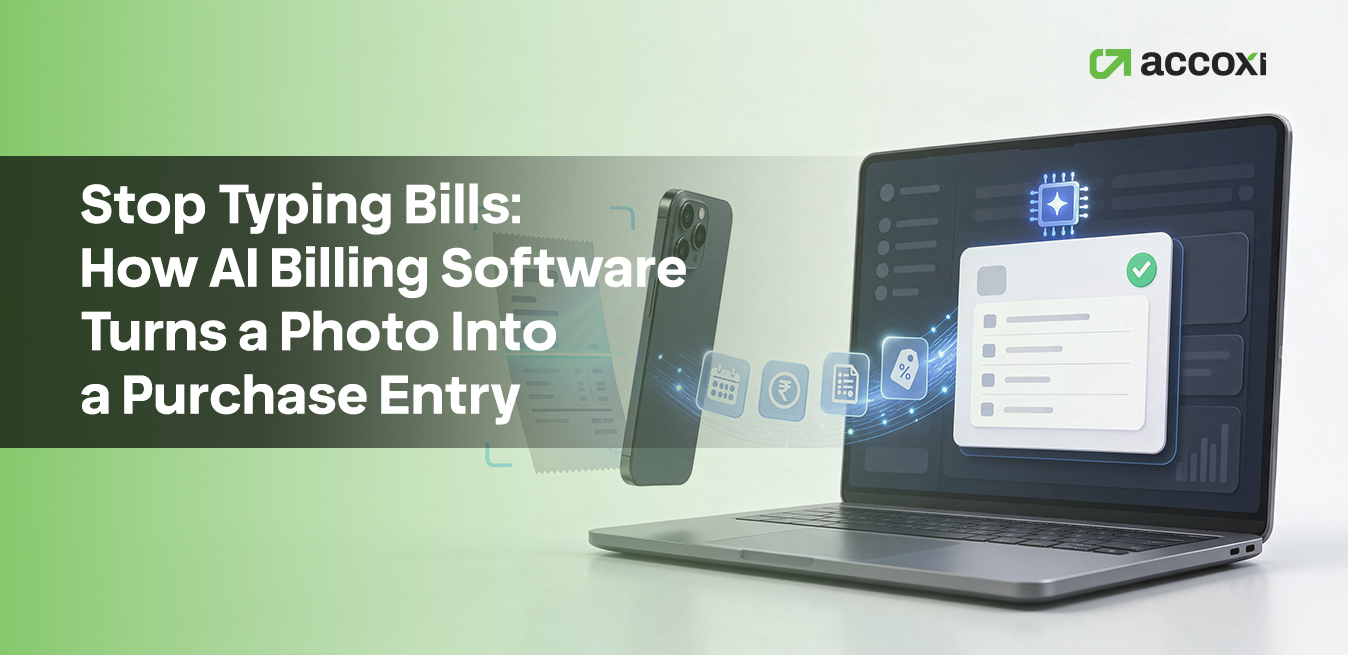
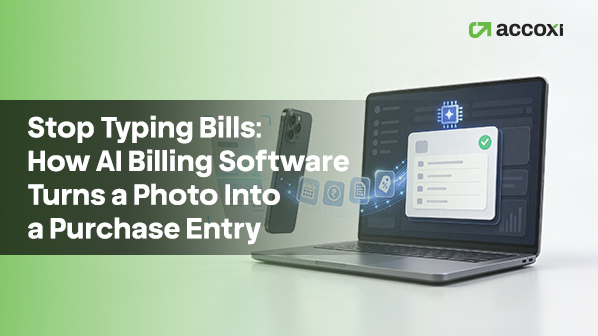
Manually typing supplier bills into accounting software wastes time and creates avoidable errors. With AI billing software, you can photograph a bill, let the system read key details, review the extracted data, and convert it into a purchase entry in minutes.
This is especially valuable for small businesses that receive bills from suppliers, service providers, freelancers, and logistics partners. Instead of copying vendor names, invoice numbers, dates, taxes, and line items by hand, AI accounting software for small business uses OCR and machine learning to extract structured data from an image or PDF.
Modern invoice AI follows a simple workflow:
Accoxi supports AI-driven document capture by converting documents or images into invoices automatically using intelligent data recognition, so repeated typing is no longer the default.
Manual entry is slow, repetitive, and prone to mistakes. A missed digit in an invoice number, an incorrect tax amount, or a duplicated supplier bill can affect purchase records, supplier payments, GST filings, and cash-flow planning.
Accounts-payable automation reduces manual data entry and can validate entries against existing records, lowering the risk of duplicate payments and incorrect account coding. AI systems can also flag low-confidence extractions for human review, which matters for high-value or complex bills. Common problems caused by typing bills manually include:
Here is an illustrative example of how AI billing software works in a small business:
A stationery shop receives a printed bill from a paper supplier. The owner photographs it with a phone. The AI reads the supplier name, invoice date, GST details, item descriptions, quantities, rates, and total, then suggests a purchase entry with the matching supplier and line items. The owner checks the preview, corrects one item category, and saves. The original bill image stays attached to the transaction.
The result is an unstructured photo turned into structured accounting data, without manual keying.
The extracted data should always be editable. AI speeds up entry, but a human review step remains essential for accuracy, especially for unusual bill formats or large purchases.
Instead of typing every bill, staff can capture documents on the go. Automation removes repetitive field entry, so teams can focus on approvals, supplier follow-ups, and financial analysis.
Because AI reads data directly from the invoice, it reduces human keying errors, and inconsistent values can be flagged for review. This helps prevent incorrect totals, missing tax details, and duplicate bills.
Good business records show the payee, amount, date, and a description of what was purchased. Invoices and receipts are widely accepted as supporting documents, though exact record-keeping rules vary by country, so confirm local requirements with your accountant. When a bill photo is attached to its purchase entry, you create a clearer audit trail and make tax preparation easier.
Once bills are entered promptly, you can see upcoming payables, overdue supplier invoices, and available cash more accurately.
For businesses with managers or accountants, AI-extracted bills can move quickly through review and approval workflows, because approvers see clean, structured data instead of a loose photo.
Many platforms offer a free AI billing software tier or trial, but "free" does not always mean unlimited. Free plans may restrict users, document volume, OCR credits, advanced reporting, integrations, or support. When evaluating AI billing software free options, check:
A free plan is useful for testing, but growing businesses should compare the total cost of paid plans against the time saved through automation.
These terms are related but different:
|
Feature |
AI Invoice Generator | AI Bill Scanner |
| Main purpose | Creates invoices for customers | Reads supplier bills and creates purchase entries |
| Direction of data | Outgoing sales document | Incoming purchase document |
| Typical use | Billing customers faster | Recording expenses and payables |
| Key benefit | Faster invoicing and professional documents | Less manual bookkeeping and better expense records |
| Example | Creating a GST invoice after a sale | Photographing a supplier bill and saving it as a purchase |
If you are searching for an AI invoice generator free of cost, it will help you bill customers quickly. An AI bill scanner is better for accounts payable, expense tracking, and supplier-bill management. The best AI billing software supports both sides of the workflow.
Test any platform with real bills from your business, not only clean sample invoices. Look for:
Accuracy depends on invoice quality, layout variability, and validation rules, so human review remains a best practice for complex or high-value bills.
To get reliable results from invoice AI:
These habits ensure AI speeds up your workflow without weakening financial controls.
Accoxi is designed to reduce manual billing work by converting documents or images into invoices automatically using AI. For small businesses, this means less repeated typing and a faster path from paper or photo to a reviewable accounting record. To see how automatic bill scanning fits into a broader bookkeeping workflow, read Accoxi's guide to AI-powered invoicing and automatic bill scanning. For more accounting and GST guidance, browse the Accoxi blog.
AI does not replace good accounting judgment. It removes the repetitive typing that gets in the way of it. With the right AI billing software, a photo of a supplier bill can become a structured, reviewable purchase entry with supporting documentation attached.
For small businesses, this means fewer entry errors, faster bill processing, cleaner records, and better visibility into payables. When evaluating AI accounting software for small business, prioritize accurate extraction, editable review, duplicate detection, GST readiness, and secure document storage.
Yes. Most tools use OCR and machine learning to read photos and PDFs. Clear, well-lit images give the best results.
Not for every bill. Review key fields such as supplier, invoice number, tax, and total before saving, especially for large or unusual bills.
Many vendors offer a free tier or trial, usually with limits on documents, users, or features. Check the limits before relying on it.