by accoxi, November 05, 2026
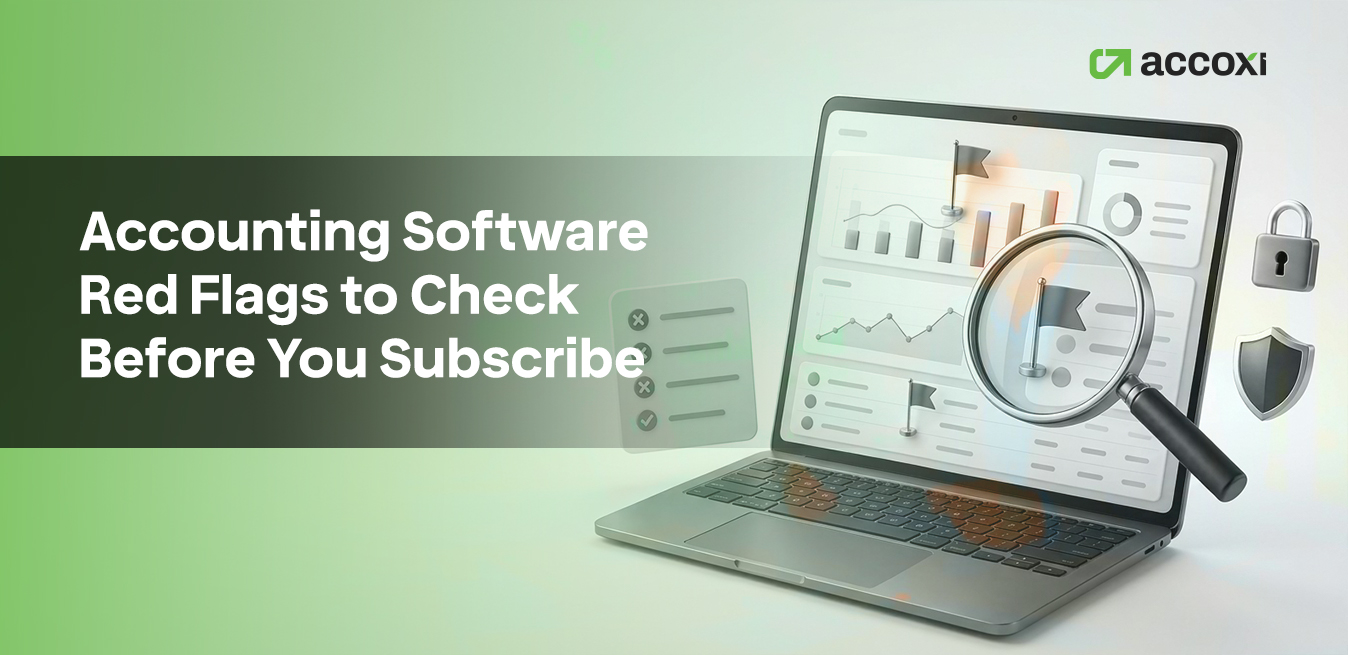
Choosing accounting software for small business can simplify bookkeeping, improve cash-flow visibility, and make tax compliance easier. But many vendors promote attractive dashboards and "free" plans while leaving out user limits, payment fees, data-export restrictions, and upgrade costs.
Before you subscribe, review the eight red flags below. They will help you choose the best accounting software for your business, not simply the platform with the lowest advertised price.
Most cloud-based business accounting software uses subscription pricing that changes with features, users, and business scale. The monthly fee is only one part of the total cost.
Before signing up, ask the accounting software vendor:
A transparent platform makes these answers easy to find. For example, Accoxi publishes its plan structure and offers a free plan, so you can test the software before you commit. Always confirm current limits on the vendor's pricing page, since plans change.
Free accounting software can be a smart starting point for freelancers, startups, and very small businesses. However, many free plans are freemium products: basic features are included, while advanced functionality, extra users, and premium support sit in paid tiers. Watch for these limits:
Test whether a free plan supports your actual workflow before relying on it. Growing teams should also check exactly when additional users, AI features, or dedicated support require an upgrade.
For a deeper comparison, read Accoxi's guide on whether your small business needs accounting software.
Many small businesses assume their bookkeeper or chartered accountant will automatically have full access. That is not always the case. Some vendors limit users by plan, while others charge for every additional seat. Pricing models differ widely across popular tools, so compare current seat rules on each vendor's own pricing page.
Ask these questions:
The software may be free, but accepting online payments or running payroll often is not. Free plans commonly come with limited support, user caps, missing features, and paid payroll or payment-processing add-ons. Calculate the full cost of:
For service businesses that send frequent invoices, payment fees can exceed the software subscription itself.
A polished dashboard does not guarantee reliable accounting. Strong business accounting software should provide clear profit-and-loss statements, balance sheets, cash-flow reports, reconciliations, and a complete transaction history. Be cautious if the platform:
Reporting depth matters most if you work with an accountant, apply for funding, or prepare for an audit. Accoxi's general ledger is designed to give businesses a consolidated view of accounts, trial balances, and transaction activity.
To see what a useful financial dashboard should include, read Accoxi's article on informative accounting software dashboards.
Vendor lock-in is one of the most serious risks. If you cannot export customers, invoices, bills, journal entries, account balances, and transaction history in a usable format, switching later may mean re-entering months or years of records. Test the exit path before subscribing:
A large integration marketplace is useful only if it connects to the tools your business already uses. Availability can also vary by plan and region, so check the exact connectors you need rather than the headline number. Prioritize integrations for:
Retailers should pay particular attention to POS and inventory connectivity. Accoxi explains how POS integration connects sales activity with cloud accounting and reduces manual reconciliation.
Support is easy to overlook until a bank feed fails, a reconciliation does not balance, or a tax deadline approaches. Free plans often offer chat or self-service help only, while phone support may be reserved for paid subscribers. Before subscribing, confirm:
For small businesses without an in-house finance team, responsive support can matter as much as features.
Some vendors use introductory pricing, annual discounts, or feature-based upgrades that make the first invoice look lower than the long-term cost. Review the pricing page and terms for:
A clear tiered structure makes it easier to compare what you get at each stage of growth. Check Accoxi's pricing page for its current plans and inclusions.
Use this checklist to compare any shortlisted vendor side by side:
| Evaluation Area | What to Verify |
| Total cost | Subscription, add-ons, payment fees, payroll, users, and renewal pricing |
| Free plan | User limits, accountant access, report limits, export rules, and support level |
| Data ownership | Full export capability, historical access, and migration compatibility |
| Core features | Invoicing, expense tracking, bank reconciliation, and financial reporting |
| Team access | Accountant access, permissions, and additional-user pricing |
| Integrations | Native connections to banking, payments, payroll, POS, and e-commerce tools |
| Security | Access controls, audit trails, backups, and data-protection practices |
For the security row, see Accoxi's 10 accounting security tips.
Before subscribing, send the vendor this message:
"Before subscribing, please confirm the total monthly and annual cost for my expected number of users; whether my accountant can access the account; all payment-processing and payroll fees; which reports and bank feeds are included; how I can export all historical data; and whether any features I need require a higher plan."
If the vendor cannot answer clearly, treat that as a red flag.
The right accounting software for small business should support your current workflow without trapping you in hidden fees, limited access, or difficult data migration. Free accounting software can be a good starting point, but only when its limits match your needs. When comparing the best accounting software, evaluate each accounting software vendor on transparency, exportability, support, integrations, and total cost, not just the headline price.
If you are evaluating a GST-ready platform for an Indian small business, explore Accoxi's cloud accounting software and its free plan. You can also read Accoxi's guide for startups considering accounting software